Proxies and CAPTCHA Solving: Best Practices for Scale
How to combine proxy rotation with CAPTCHA solving for large-scale automation — proxy types, when proxies help avoid CAPTCHAs, and when to use proxy vs proxyless task types.
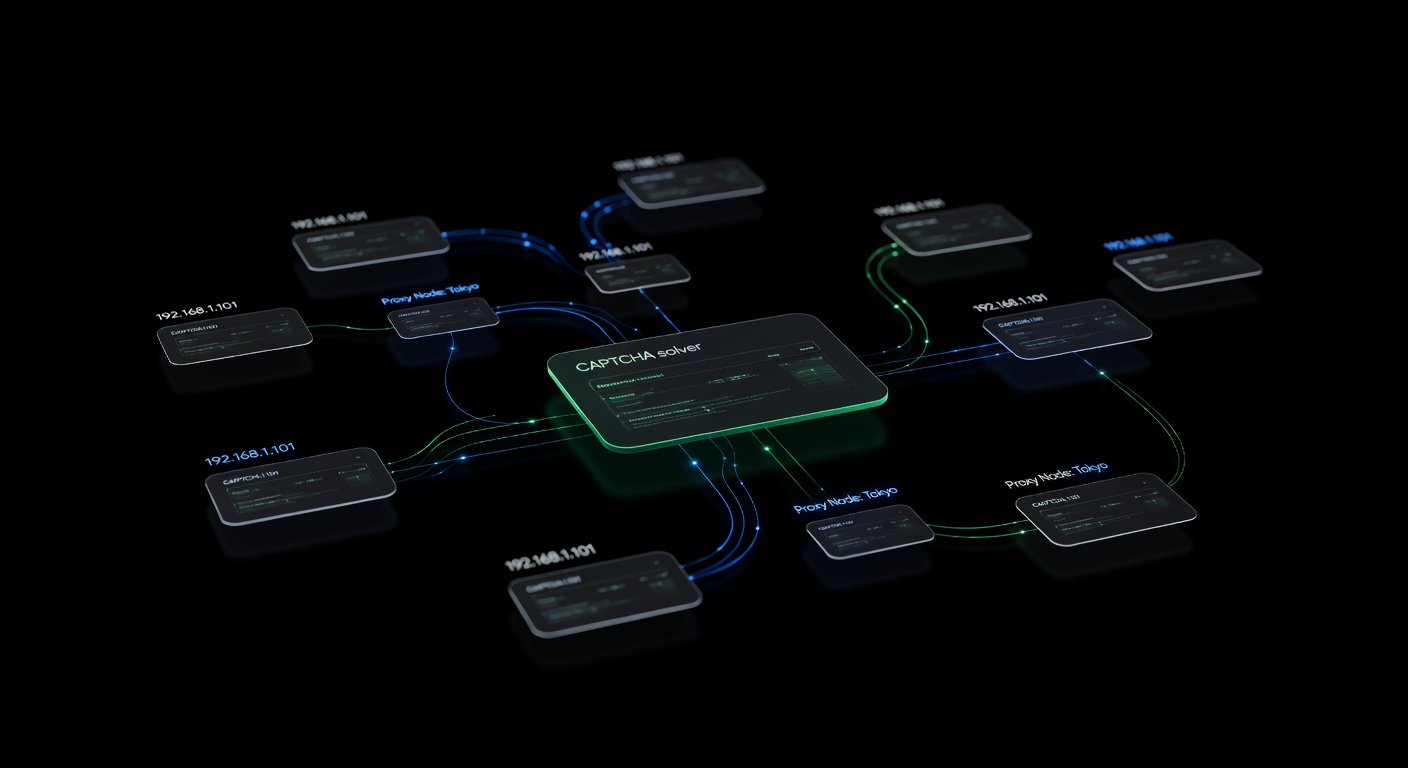
Proxies and CAPTCHA solving work together as the two pillars of large-scale web automation. Proxies distribute your traffic across multiple IP addresses to reduce CAPTCHA triggers, while CAPTCHA solver APIs handle the challenges that get through. Understanding when to use each — and how they interact — is the difference between a scraper that runs reliably and one that gets blocked within minutes.
This guide covers proxy types, when proxies reduce CAPTCHA frequency, the critical distinction between proxy and proxyless CAPTCHA task types, and best practices for combining both at scale. For a broader overview of CAPTCHA handling in scraping, see the complete web scraping with CAPTCHA solving guide.
Why Proxies Reduce CAPTCHA Frequency
Websites track requests per IP address. When a single IP sends too many requests in a short period, the site responds with stricter anti-bot checks, including CAPTCHAs. Proxies solve this by spreading your requests across hundreds or thousands of IPs, keeping each one under the site’s detection threshold.
The math is straightforward: if a site triggers a CAPTCHA after 50 requests from a single IP per hour, and you need to make 5,000 requests, you need at least 100 IPs to stay below the threshold. In practice, you want more, because detection algorithms also consider request patterns, geographic clustering, and IP reputation.
Proxy Types for CAPTCHA-Heavy Automation
Not all proxies are equal. Each type has different detection profiles and cost structures.
Datacenter Proxies
These come from cloud hosting providers (AWS, GCP, OVH). They’re fast and cheap but easy to detect. Websites maintain databases of datacenter IP ranges and often apply stricter CAPTCHA policies to traffic from them.
Best for: Sites with light anti-bot protection, high-volume scraping where CAPTCHAs are acceptable and solved via API.
CAPTCHA trigger rate: High. Expect most requests to datacenter IPs to face challenges on well-protected sites.
Residential Proxies
These route traffic through real residential ISP connections. To the target site, your request looks like it’s coming from a home internet user. They’re significantly more expensive but much harder to detect.
Best for: Sites with strong anti-bot protection, scenarios where reducing CAPTCHA frequency is critical to cost or speed.
CAPTCHA trigger rate: Low to moderate, depending on the proxy provider’s IP quality and your request patterns.
ISP/Static Residential Proxies
A hybrid: datacenter-hosted IPs that are registered to residential ISPs. They combine the speed of datacenter proxies with the trust level of residential IPs. The IP stays the same across sessions, which helps with sites that track IP consistency.
Best for: Session-heavy scraping where you need a consistent IP that doesn’t trigger CAPTCHAs.
CAPTCHA trigger rate: Low. These carry residential trust scores with datacenter speed.
Mobile Proxies
Traffic routes through mobile carrier networks (4G/5G). Mobile IPs have the highest trust level because carriers use CGNAT (Carrier-Grade NAT), meaning thousands of real users share the same IP. Websites rarely challenge mobile IPs aggressively.
Best for: The most heavily protected sites. Extremely expensive, so use selectively.
CAPTCHA trigger rate: Very low.
Comparison Table
| Proxy Type | Speed | Cost/GB | CAPTCHA Avoidance | IP Trust |
|---|---|---|---|---|
| Datacenter | Very fast | $0.50-2 | Poor | Low |
| Residential | Medium | $5-15 | Good | High |
| ISP/Static | Fast | $3-8 | Very good | High |
| Mobile | Slow | $20-50+ | Excellent | Very high |
Proxy vs. Proxyless CAPTCHA Task Types
When you submit a CAPTCHA to the solver API, you choose between two task categories. This choice directly affects solve reliability and is one of the most common sources of confusion.
Proxyless Tasks
Task types like RecaptchaV2TaskProxyless, HardCaptchaTaskProxyless, and TurnstileTaskProxyless tell the solver to use its own infrastructure to solve the CAPTCHA. You only need to send the site key and page URL.
import requests

response = requests.post("https://api.ucaptcha.net/createTask", json={
    "clientKey": "YOUR_API_KEY",
    "task": {
        "type": "RecaptchaV2TaskProxyless",
        "websiteURL": "https://example.com/login",
        "websiteKey": "6LeXXXXXXXXXXXXXXXXXXXXXX",
    }
})
When to use proxyless:
- The target site does not validate that the CAPTCHA token was generated from the same IP as the form submission.
- You want simpler integration with no proxy configuration.
- You’re starting out and want to reduce complexity.
Most sites accept proxyless tokens. The CAPTCHA verification checks the token’s validity, not the IP that generated it.
Proxy Tasks
Task types like RecaptchaV2Task, HardCaptchaTask, and TurnstileTask require you to provide a proxy. The solver uses your proxy to load the CAPTCHA page and solve it, so the token is generated from the same IP context as your scraper.
response = requests.post("https://api.ucaptcha.net/createTask", json={
    "clientKey": "YOUR_API_KEY",
    "task": {
        "type": "RecaptchaV2Task",
        "websiteURL": "https://example.com/login",
        "websiteKey": "6LeXXXXXXXXXXXXXXXXXXXXXX",
        "proxyType": "http",
        "proxyAddress": "proxy.example.com",
        "proxyPort": 8080,
        "proxyLogin": "user",
        "proxyPassword": "pass",
    }
})
When to use proxy tasks:
- The target site validates IP consistency between the CAPTCHA solve and the form submission.
- You’re seeing solved tokens rejected when using proxyless mode.
- The site uses advanced fingerprinting that correlates CAPTCHA sessions with browsing sessions.
How to Tell Which You Need
Start with proxyless. If your solved tokens are consistently rejected (the site shows an error or re-displays the CAPTCHA after submission), switch to proxy tasks. Some indicators that proxy tasks are required:
- The site returns a “verification failed” error despite valid tokens.
- Tokens work when solved from your own machine but fail when solved via proxyless API.
- The site uses reCAPTCHA Enterprise with strict IP validation.
Proxy Format for the uCaptcha API
When using proxy task types, the uCaptcha API accepts proxies in this format:
{
    "proxyType": "http",
    "proxyAddress": "192.168.1.1",
    "proxyPort": 8080,
    "proxyLogin": "username",
    "proxyPassword": "password"
}
Supported proxy types:
proxyType Value | Protocol |
|---|---|
http | HTTP proxy |
https | HTTPS proxy |
socks4 | SOCKS4 proxy |
socks5 | SOCKS5 proxy |
The proxyLogin and proxyPassword fields are optional for proxies that don’t require authentication. For IP-whitelisted proxies, omit them.
Best Practices for Combining Proxies and CAPTCHA Solving
1. Match Proxy Quality to Site Difficulty
Don’t waste residential proxies on sites with minimal protection. Use a tiered approach:
- Tier 1 (light protection): Datacenter proxies + proxyless CAPTCHA solving.
- Tier 2 (moderate protection): Residential proxies + proxyless CAPTCHA solving.
- Tier 3 (heavy protection): Residential/ISP proxies + proxy-based CAPTCHA solving.
2. Rotate Proxies Per Domain, Not Per Request
Switching proxies on every request looks suspicious. Instead, assign a proxy to a domain and use it for multiple requests before rotating:
class DomainProxyAssigner:
    def __init__(self, proxy_pool: list[str]):
        self.pool = proxy_pool
        self.assignments: dict[str, str] = {}
        self.request_counts: dict[str, int] = {}

    def get_proxy(self, domain: str) -> str:
        if domain not in self.assignments or self.request_counts.get(domain, 0) > 50:
            self.assignments[domain] = random.choice(self.pool)
            self.request_counts[domain] = 0
        self.request_counts[domain] = self.request_counts.get(domain, 0) + 1
        return self.assignments[domain]
3. Use the Same Proxy for Solving and Submitting
When using proxy task types, always use the same proxy for both the CAPTCHA solve and the subsequent form submission. IP mismatches between solve and submit are a common cause of token rejection.
proxy = proxy_pool.get_proxy()

# Solve with this proxy
token = solve_captcha(captcha_info, page_url, proxy=proxy)

# Submit with the same proxy
session.proxies = {"http": proxy, "https": proxy}
session.post(form_url, data={"g-recaptcha-response": token})
4. Monitor CAPTCHA Rate Per Proxy
Track how often each proxy triggers CAPTCHAs. Proxies with consistently high CAPTCHA rates may be flagged or on a shared blacklist:
def should_retire_proxy(stats: ProxyStats) -> bool:
    if stats.total_requests < 10:
        return False  # Not enough data
    captcha_rate = stats.captchas / stats.total_requests
    return captcha_rate > 0.5  # More than 50% of requests hit CAPTCHAs
5. Warm Up New Proxies
Don’t immediately blast 100 requests through a fresh proxy. Start with a few requests, establish cookies and session state, then gradually increase volume. This mimics real user behavior and keeps CAPTCHA rates low.
6. Geographic Matching
Use proxies in the same geographic region as your target site’s audience. A US e-commerce site seeing requests from a Ukrainian datacenter IP will apply stricter checks than the same request from a US residential IP.
7. Handle Proxy Failures Gracefully
Proxies fail more often than you’d expect. Build retry logic that distinguishes proxy failures from site failures:
async def fetch_with_proxy_retry(url: str, proxy_pool, max_retries: int = 3):
    for attempt in range(max_retries):
        proxy = proxy_pool.get_proxy()
        try:
            response = await fetch(url, proxy=proxy)
            proxy_pool.mark_success(proxy)
            return response
        except (ProxyConnectionError, ProxyTimeoutError):
            proxy_pool.mark_failed(proxy)
            continue
        except HttpError as e:
            if e.status == 407:  # Proxy auth failed
                proxy_pool.mark_failed(proxy)
                continue
            raise
    raise AllProxiesFailedError(f"Failed after {max_retries} proxy attempts")
Cost Optimization
Proxy and CAPTCHA costs are the two biggest expenses in large-scale scraping. Optimize both:
- Avoid unnecessary CAPTCHAs. Better proxies and request patterns reduce CAPTCHA encounters, saving solver costs. Spending more on residential proxies can save money on fewer CAPTCHA solves.
- Cache sessions. After solving one CAPTCHA, reuse the session cookies. Most sites grant a grace period of several minutes.
- Use proxyless when possible. Proxyless CAPTCHA tasks are cheaper and faster. Only switch to proxy tasks when proxyless tokens are rejected.
- Route by cost. uCaptcha’s routing presets let you choose “Cheapest” for non-urgent tasks and “Fastest” when speed matters.
Conclusion
Proxies and CAPTCHA solving are complementary strategies. Proxies reduce the number of CAPTCHAs your scraper encounters, and solver APIs handle the ones that get through. The right combination depends on your target site’s protection level, your volume requirements, and your budget. Start with proxyless CAPTCHA solving and datacenter proxies, then upgrade each component as needed. uCaptcha simplifies the solver side by routing tasks across multiple providers through a single API, while your proxy layer handles IP distribution and reputation management. Together, they form the foundation of any scraping operation that needs to run reliably at scale.
Related Articles

Building a Production CAPTCHA-Solving Scraping Pipeline
Architecture guide for building a production-grade web scraping pipeline with integrated CAPTCHA solving — queues, retries, proxy rotation, and monitoring.
 Pillar Guide
Web Scraping with CAPTCHA Solving: The Complete Guide
How to handle CAPTCHAs in web scraping pipelines — from detecting CAPTCHA types to integrating solver APIs, managing proxies, and building resilient scraping workflows.