Browser Automation CAPTCHA Solving: Puppeteer & Playwright Guide
Complete guide to solving CAPTCHAs during browser automation with Puppeteer and Playwright — detecting CAPTCHAs, extracting parameters, solving via API, and injecting tokens.
Solving CAPTCHAs during browser automation with Puppeteer or Playwright requires a specific workflow: navigate to the page, detect the CAPTCHA, extract its parameters, send those to a solver API, and inject the returned token back into the page. This guide walks through each step with working Playwright code that handles reCAPTCHA v2, hCaptcha, and Turnstile challenges.
For the general API integration overview, see the CAPTCHA Solver API Integration Tutorial.
Why Browser Automation Needs a Different Approach
When you solve CAPTCHAs from a plain HTTP script (like the Python or Node.js tutorials), you already know the site key and page URL. You pass them to the API, get a token, and include it in your HTTP request.
Browser automation is different because:
- The CAPTCHA is embedded in an iframe that loads dynamically.
- You need to extract the site key from the page’s HTML or JavaScript at runtime.
- You need to inject the token into the page’s DOM so the form accepts it.
- Timing matters — the token must be injected before form submission, and tokens expire in ~120 seconds.
The pattern is always the same, regardless of which CAPTCHA type you encounter:
Navigate → Detect CAPTCHA → Extract siteKey → Solve via API → Inject token → SubmitSetting Up Playwright
Install Playwright and a CAPTCHA solver client:
npm install playwright
npx playwright install chromium
We will use the ucaptcha.ts module from the Node.js tutorial. Import the solve function:
import { chromium } from "playwright";
import { solve } from "./ucaptcha";
Step 1: Navigate and Detect
Navigate to the target page and detect which CAPTCHA is present by looking for known iframe selectors or script URLs:
const browser = await chromium.launch({ headless: true });
const page = await browser.newPage();
await page.goto("https://example.com/login");

// Detect CAPTCHA type
const hasRecaptcha = await page.locator('iframe[src*="recaptcha"]').count() > 0
  || await page.locator(".g-recaptcha").count() > 0;

const hasHcaptcha = await page.locator('iframe[src*="hcaptcha"]').count() > 0
  || await page.locator(".h-captcha").count() > 0;

const hasTurnstile = await page.locator('iframe[src*="challenges.cloudflare.com"]').count() > 0
  || await page.locator(".cf-turnstile").count() > 0;
In practice, you usually know which CAPTCHA a specific site uses. The detection logic above is useful for generic crawlers that encounter different sites.
Step 2: Extract the Site Key
Each CAPTCHA provider embeds a site key in the page. Here is how to extract it for each type:
reCAPTCHA v2:
const siteKey = await page.evaluate(() => {
  // Try the data attribute first
  const el = document.querySelector(".g-recaptcha");
  if (el) return el.getAttribute("data-sitekey");

  // Fall back to searching the reCAPTCHA iframe URL
  const iframe = document.querySelector('iframe[src*="recaptcha"]') as HTMLIFrameElement;
  if (iframe) {
    const url = new URL(iframe.src);
    return url.searchParams.get("k");
  }

  return null;
});
hCaptcha:
const siteKey = await page.evaluate(() => {
  const el = document.querySelector(".h-captcha");
  return el?.getAttribute("data-sitekey") ?? null;
});
Turnstile:
const siteKey = await page.evaluate(() => {
  const el = document.querySelector(".cf-turnstile");
  return el?.getAttribute("data-sitekey") ?? null;
});
Step 3: Solve via API
Pass the site key and current page URL to the uCaptcha API:
const pageUrl = page.url();

// reCAPTCHA v2 example
const solution = await solve({
  type: "RecaptchaV2TaskProxyless",
  websiteURL: pageUrl,
  websiteKey: siteKey!,
});

const token = solution.gRecaptchaResponse!;
This call blocks for 10-30 seconds while the CAPTCHA is being solved. The browser page stays open and idle during this time.
Step 4: Inject the Token
Once you have the token, inject it into the page so the form validation accepts it:
reCAPTCHA v2:
await page.evaluate((token) => {
  // Set the hidden textarea that reCAPTCHA uses
  const textarea = document.querySelector("#g-recaptcha-response") as HTMLTextAreaElement;
  if (textarea) {
    textarea.value = token;
    textarea.style.display = "block"; // some sites check visibility
  }

  // Trigger the callback if the site registered one
  const widgetId = 0;
  if (typeof (window as any).___grecaptcha_cfg !== "undefined") {
    const clients = (window as any).___grecaptcha_cfg.clients;
    if (clients) {
      for (const client of Object.values(clients) as any[]) {
        for (const val of Object.values(client) as any[]) {
          if (val?.callback) {
            val.callback(token);
            return;
          }
        }
      }
    }
  }
}, token);
hCaptcha:
await page.evaluate((token) => {
  const textarea = document.querySelector('[name="h-captcha-response"]') as HTMLTextAreaElement;
  if (textarea) textarea.value = token;

  const iframe = document.querySelector('iframe[src*="hcaptcha"]') as HTMLIFrameElement;
  if (iframe) iframe.setAttribute("data-hcaptcha-response", token);

  // Trigger hCaptcha callback
  if (typeof (window as any).hcaptcha !== "undefined") {
    // The widget stores callbacks internally
    const widgetIds = (window as any).hcaptcha.getWidgetIds?.() ?? [];
    for (const id of widgetIds) {
      (window as any).hcaptcha.execute?.(id);
    }
  }
}, token);
Turnstile:
await page.evaluate((token) => {
  const input = document.querySelector('[name="cf-turnstile-response"]') as HTMLInputElement;
  if (input) input.value = token;

  // Trigger Turnstile callback
  if (typeof (window as any).turnstile !== "undefined") {
    const containers = document.querySelectorAll(".cf-turnstile");
    containers.forEach((el) => {
      const cb = el.getAttribute("data-callback");
      if (cb && typeof (window as any)[cb] === "function") {
        (window as any)[cb](token);
      }
    });
  }
}, token);
Step 5: Submit the Form
After injecting the token, submit the form:
await page.click('button[type="submit"]');
await page.waitForNavigation();
Complete Working Example
Here is the full Playwright script for solving a reCAPTCHA v2 during login:
import { chromium } from "playwright";
import { solve } from "./ucaptcha";

async function loginWithCaptcha(url: string, username: string, password: string) {
  const browser = await chromium.launch({ headless: true });
  const page = await browser.newPage();

  try {
    await page.goto(url, { waitUntil: "networkidle" });

    // Fill login form
    await page.fill('input[name="username"]', username);
    await page.fill('input[name="password"]', password);

    // Extract reCAPTCHA site key
    const siteKey = await page.evaluate(() => {
      const el = document.querySelector(".g-recaptcha");
      return el?.getAttribute("data-sitekey") ?? null;
    });

    if (!siteKey) {
      throw new Error("Could not find reCAPTCHA site key on page");
    }

    console.log(`Found siteKey: ${siteKey}`);
    console.log("Solving CAPTCHA...");

    // Solve via uCaptcha API
    const solution = await solve({
      type: "RecaptchaV2TaskProxyless",
      websiteURL: page.url(),
      websiteKey: siteKey,
    });

    const token = solution.gRecaptchaResponse!;
    console.log(`Solved! Token: ${token.substring(0, 40)}...`);

    // Inject token
    await page.evaluate((t) => {
      const textarea = document.querySelector("#g-recaptcha-response") as HTMLTextAreaElement;
      if (textarea) textarea.value = t;
    }, token);

    // Submit
    await page.click('button[type="submit"]');
    await page.waitForURL("**/dashboard**", { timeout: 15000 });

    console.log("Login successful:", page.url());
  } finally {
    await browser.close();
  }
}

loginWithCaptcha(
  "https://example.com/login",
  "user@example.com",
  "password123"
).catch(console.error);
Puppeteer Equivalent
If you prefer Puppeteer over Playwright, the API is almost identical. The key differences:
import puppeteer from "puppeteer";

const browser = await puppeteer.launch({ headless: "new" });
const page = await browser.newPage();
await page.goto("https://example.com/login", { waitUntil: "networkidle0" });

// page.evaluate() works the same way
// page.$eval() works the same way
// page.click() works the same way
// page.waitForNavigation() instead of page.waitForURL()
The detection, extraction, solving, and injection logic is exactly the same. Only the browser launch and navigation APIs differ slightly.
Tips for Reliable Automation
Wait for the CAPTCHA to fully load. Use waitUntil: "networkidle" in Playwright or waitUntil: "networkidle0" in Puppeteer to ensure all scripts and iframes have loaded before extracting the site key.
Handle invisible reCAPTCHA. Some sites use reCAPTCHA v2 invisible, which triggers on form submit rather than showing a checkbox. The solving and injection process is identical — you still need the site key and still inject into #g-recaptcha-response. The difference is you may also need to trigger the callback function.
Use page.waitForSelector() before extraction. If the CAPTCHA loads lazily, wait for its container element before trying to extract the site key:
await page.waitForSelector(".g-recaptcha", { timeout: 10000 });Respect token expiry. Do not solve the CAPTCHA too early. Solve it right before you need to submit the form. Tokens typically expire in 60-120 seconds.
Consider proxy-based tasks. If the target site checks that the CAPTCHA solver’s IP matches the visitor’s IP, use proxy-based task types (RecaptchaV2Task instead of RecaptchaV2TaskProxyless) and pass the same proxy your browser is using.
When to Use a Microservice Instead
For high-volume automation, extracting and solving CAPTCHAs inside each browser instance creates a bottleneck. A better architecture is to offload CAPTCHA solving to a dedicated microservice that handles queuing and caching. See Building a CAPTCHA Solving Microservice for that pattern.
uCaptcha’s multi-provider routing means your browser automation scripts get the fastest available solve times without switching providers manually. The API picks the optimal route for each task based on your configured strategy. Set up your key at ucaptcha.net and add CAPTCHA solving to your automation pipeline in minutes.
Related Articles
 Pillar Guide
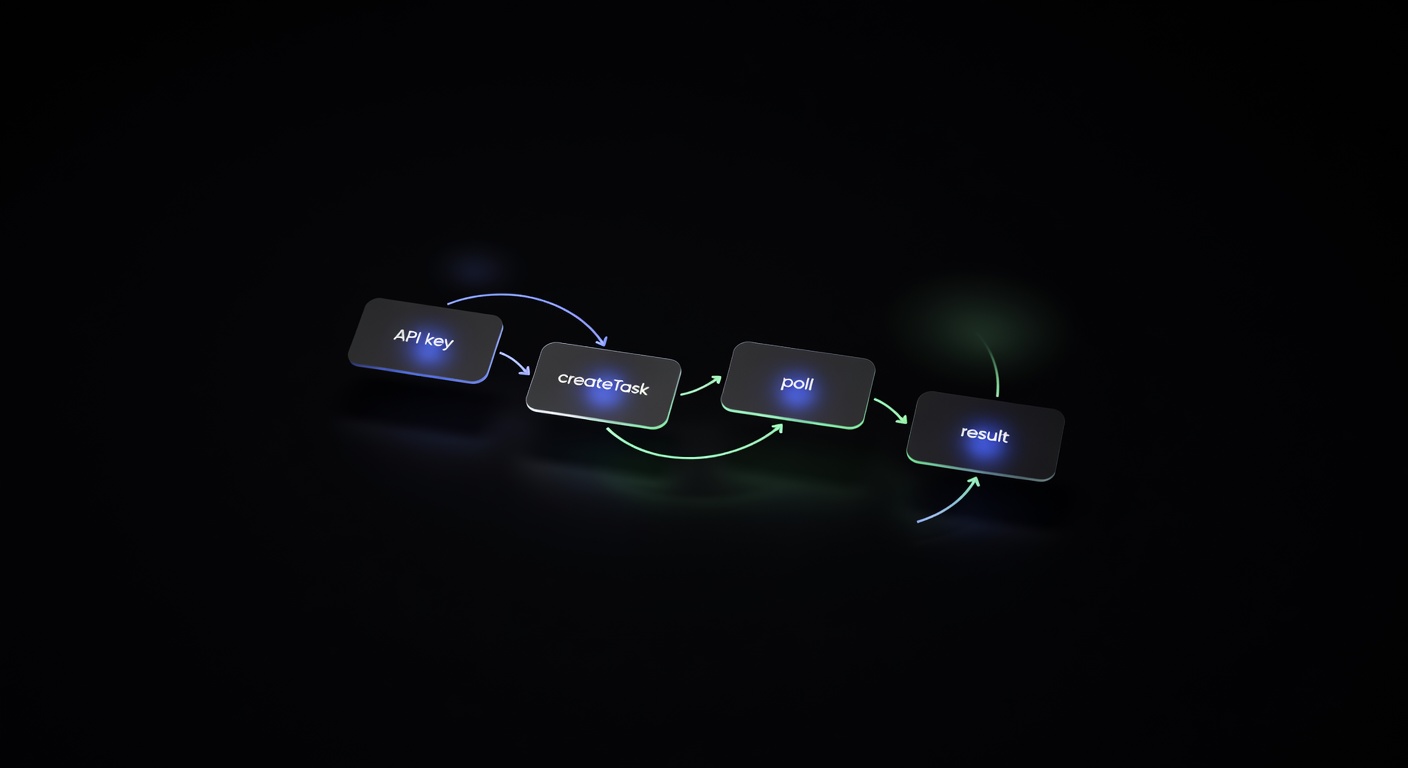
CAPTCHA Solver API Integration: Step-by-Step Tutorial
Step-by-step tutorial for integrating a CAPTCHA solver API into any project. Covers authentication, task creation, polling, error handling, and production best practices.
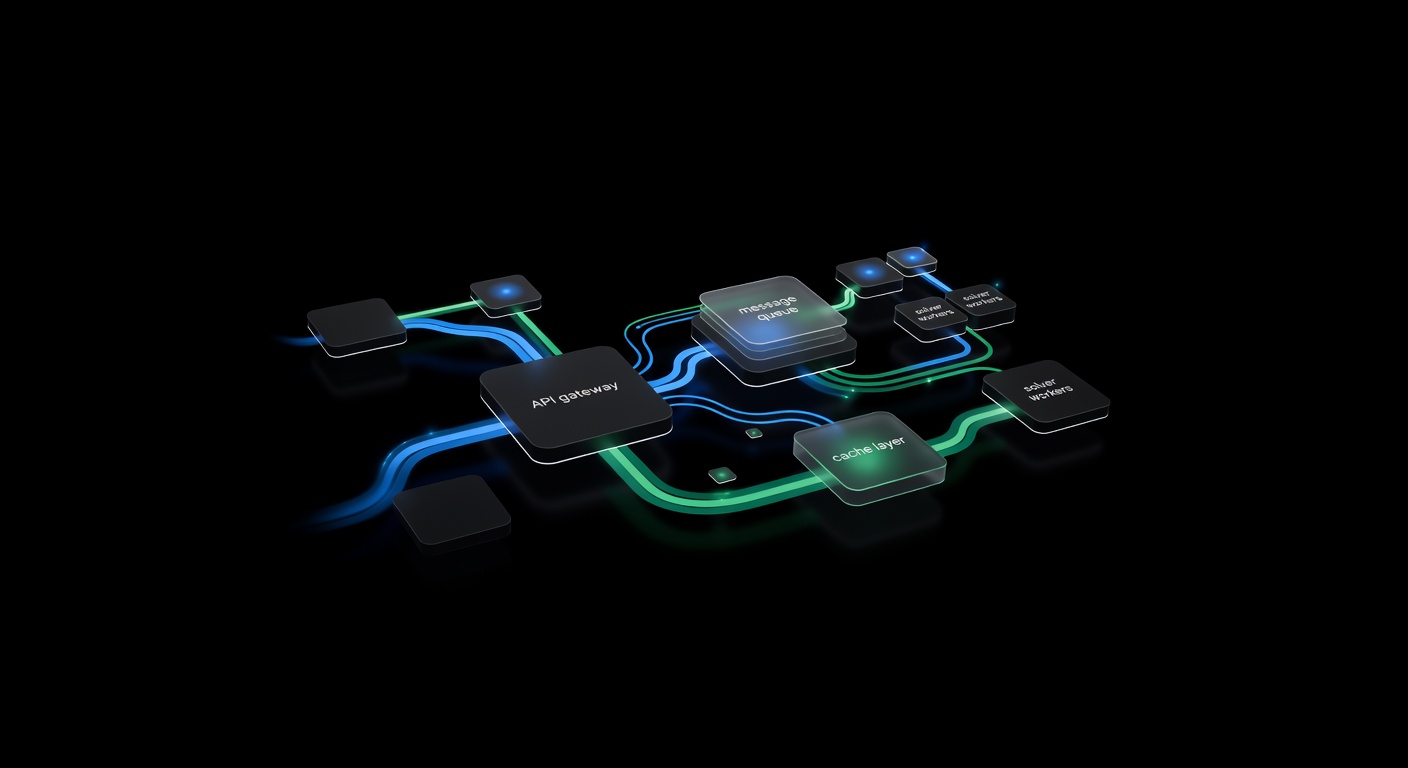
Building a CAPTCHA Solving Microservice with Queues & Callbacks
Architect a CAPTCHA solving microservice — REST API wrapper, task queue, callback webhooks, caching, and horizontal scaling for high-throughput solving.