reCAPTCHA v2 vs v3: Key Differences and Solving Strategies
Understand the differences between reCAPTCHA v2 and v3 — how each works, when sites use them, and the different approaches needed to solve each version programmatically.
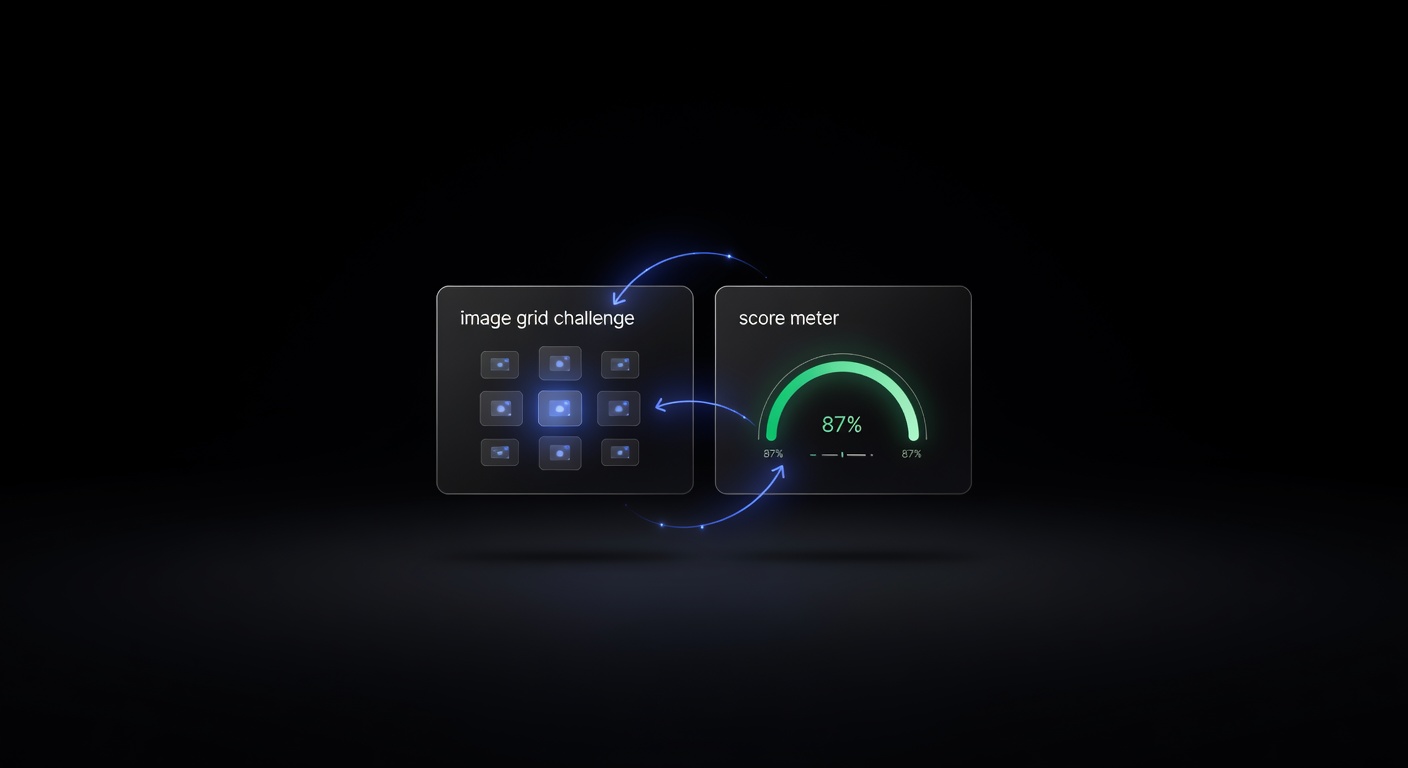
Comparing reCAPTCHA v2 vs v3 is essential for developers working with CAPTCHA automation, because each version requires a fundamentally different solving strategy. Google maintains both versions simultaneously, and many sites still run v2 even though v3 has been available since 2018. Understanding the architectural differences between these two systems determines whether your automation will succeed or fail.
How reCAPTCHA v2 Works
reCAPTCHA v2 is the challenge-based version most people recognize. It comes in two forms:
Checkbox (“I’m not a robot”): The user clicks a checkbox. Google’s risk analysis engine evaluates browser signals — mouse movement, browsing history, cookies, IP reputation — and either passes the user immediately or presents an image grid challenge. The user must select all images matching a prompt (traffic lights, crosswalks, fire hydrants) to prove they are human.
Invisible: There is no checkbox. The reCAPTCHA fires automatically on a specific user action, usually a button click or form submission. If Google’s risk analysis flags the session, an image challenge appears. Otherwise, the user never sees anything. Our invisible reCAPTCHA guide covers this variant in depth.
In both cases, the end result is a g-recaptcha-response token that gets submitted with the form. The server then verifies this token with Google’s API to confirm legitimacy.
How reCAPTCHA v3 Works
reCAPTCHA v3 eliminates challenges entirely. Instead of asking the user to do anything, it monitors page behavior continuously and assigns a score from 0.0 to 1.0. A score of 1.0 means Google is highly confident the visitor is human. A score of 0.0 suggests bot-like behavior.
The site owner embeds v3 on every page (not just forms), and Google builds a behavioral profile across the entire session. Each time the site needs a score, it calls grecaptcha.execute() with an action parameter — a label like login, checkout, or homepage — and receives a token. The server verifies this token with Google and receives the score.
Critically, the site owner decides what to do with the score. There is no universal pass/fail threshold. One site might block anything below 0.3, while another might require 0.7 or higher. This makes v3 more flexible for site owners but more unpredictable for automation.
Side-by-Side Comparison
| Feature | reCAPTCHA v2 | reCAPTCHA v3 |
|---|---|---|
| User interaction | Checkbox click or image challenge | None (fully invisible) |
| Output | Pass/fail token | Score (0.0 to 1.0) + token |
| Challenge type | Image selection grid | No challenges |
| Page coverage | Single form/page | Typically site-wide |
| Action parameter | Not used | Required |
| Score threshold | N/A (binary) | Set by site owner |
| Where JS loads from | google.com/recaptcha/api.js | google.com/recaptcha/api.js?render=SITE_KEY |
| API task type | RecaptchaV2TaskProxyless | RecaptchaV3TaskProxyless |
| Typical solve time | 10–30 seconds | 5–15 seconds |
| Cost per 1K solves | $0.50–$1.50 | $1.00–$3.00 |
When Sites Choose v2 Over v3
Sites continue using v2 for several practical reasons:
Hard blocking: v2 provides a definitive yes/no gate. Either the user passes the challenge or they do not. This is preferred for login pages, registration forms, and payment flows where false positives (letting bots through) carry high risk.
Simplicity: v2 requires minimal server-side logic. Verify the token, get a pass/fail, done. v3 requires the site owner to build score-based decision logic.
Regulatory environments: Some industries prefer the explicit challenge as a visible security measure, even if it adds friction.
When Sites Choose v3
User experience: v3 adds zero friction for legitimate users. No checkboxes, no image puzzles, no interruptions. This matters for e-commerce sites where every extra click reduces conversion rates.
Granular control: The score allows nuanced responses. A score of 0.5 might trigger additional email verification instead of a full block. A score of 0.8 gets full access. This flexibility is valuable for sites with diverse traffic patterns.
Site-wide protection: Because v3 runs on every page, it builds a richer behavioral profile. Sites can detect bots earlier in the funnel before they reach the critical form.
Different Solving Strategies
The solving approach differs significantly between v2 and v3.
Solving v2
For v2, the solver needs to interact with the challenge system. You submit the site URL and site key, and the solving service handles the image challenge internally. The returned token is a standard g-recaptcha-response value.
import requests

response = requests.post("https://api.ucaptcha.net/createTask", json={
    "clientKey": "YOUR_API_KEY",
    "task": {
        "type": "RecaptchaV2TaskProxyless",
        "websiteURL": "https://example.com/login",
        "websiteKey": "6LcR_RsTAAAA..."
    }
})
The token is binary — it either works or it does not. There is no score to worry about.
Solving v3
For v3, you must provide two additional parameters: the page action and a minimum score. The action must match the one used in the site’s JavaScript exactly — a mismatch will produce a token with a near-zero score.
response = requests.post("https://api.ucaptcha.net/createTask", json={
    "clientKey": "YOUR_API_KEY",
    "task": {
        "type": "RecaptchaV3TaskProxyless",
        "websiteURL": "https://example.com/checkout",
        "websiteKey": "6LcR_RsTAAAA...",
        "pageAction": "checkout",
        "minScore": 0.7
    }
})
The solver returns both a token and a score. If the score is below the site’s threshold, the submission will fail even though the token itself is technically valid. For a detailed look at how scoring works and how to optimize for higher scores, see our reCAPTCHA v3 score guide.
Identifying Which Version a Site Uses
Before you can solve a reCAPTCHA, you need to know which version you are dealing with:
Check the script tag: v2 loads api.js without a render parameter. v3 loads it with ?render=SITE_KEY.
Look for the checkbox: If there is a visible “I’m not a robot” widget, it is v2 checkbox. If the reCAPTCHA badge appears in the bottom-right corner (a small floating icon), it is likely v2 invisible or v3.
Inspect the JavaScript: Search for grecaptcha.execute. If it takes an action parameter, it is v3. If it does not, it is v2 invisible.
Check for Enterprise: If the script loads from enterprise.google.com or recaptcha.net/recaptcha/enterprise.js, it is an Enterprise variant. See our reCAPTCHA Enterprise guide for handling those cases.
Conclusion
The core difference between reCAPTCHA v2 and v3 is straightforward: v2 challenges users directly and produces a binary pass/fail result, while v3 runs silently and produces a score. For automation, v2 requires the correct task type and site key, while v3 additionally demands the correct action string and minimum score. Both versions are fully solvable through API, and uCaptcha handles the routing to the best provider for each type automatically. For complete code examples covering every variant, see our pillar guide to solving reCAPTCHA v2 and v3.
Related Articles

Solving reCAPTCHA Enterprise: Complete Guide
How to solve reCAPTCHA Enterprise challenges — understanding enterprise site keys, action parameters, minimum scores, and the correct API task types.
 Pillar Guide
How to Solve reCAPTCHA v2 and v3 Programmatically
Complete guide to solving reCAPTCHA v2 (checkbox, invisible) and v3 (score-based) programmatically using a CAPTCHA solver API. Includes Python and JavaScript code examples.