How CAPTCHA Solving Services Work: Architecture Deep Dive
Understand the technical architecture behind CAPTCHA solving services — from task routing and worker pools to token delivery and smart load balancing.
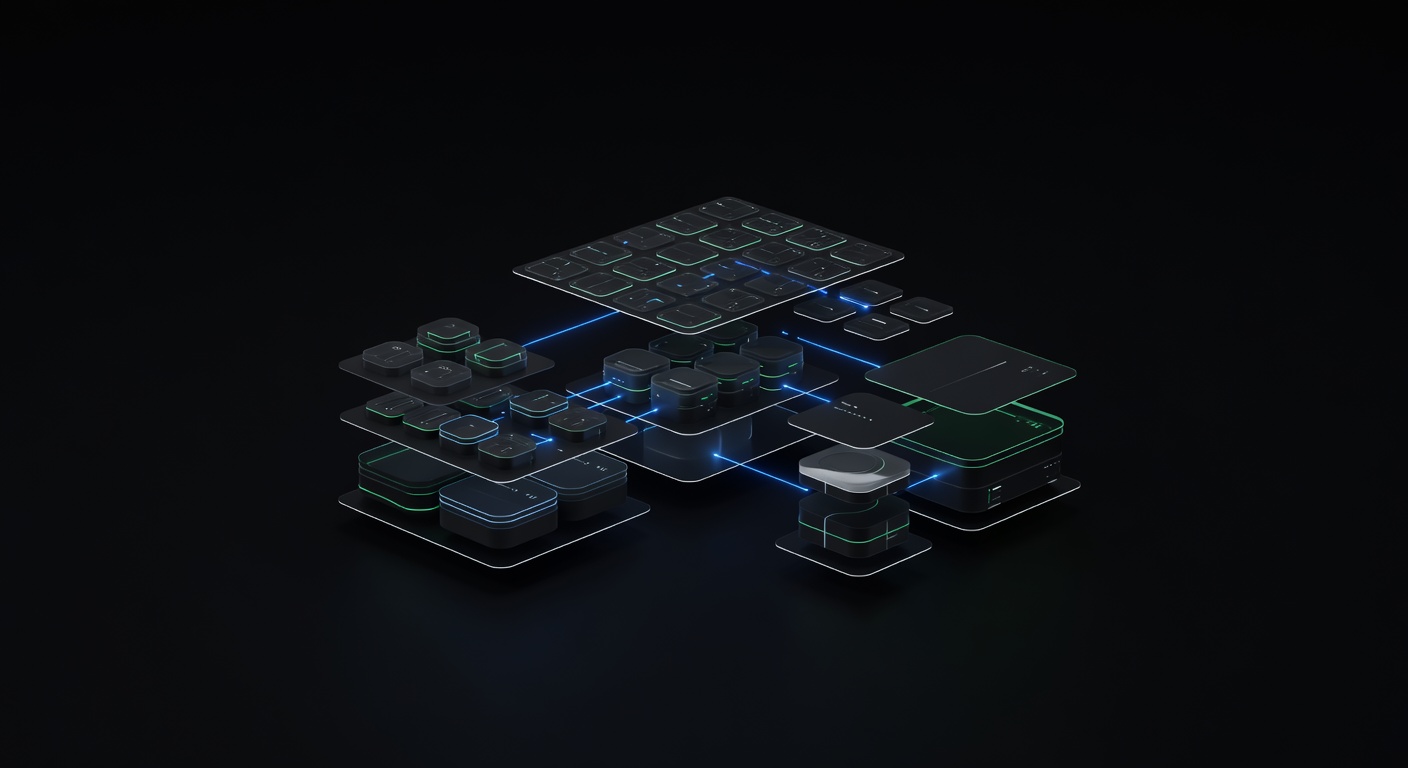
How CAPTCHA Solving Services Work: Architecture Deep Dive
A CAPTCHA solving service is more than a black box that eats challenges and outputs tokens. Behind every CAPTCHA solver API is a multi-layered system designed for throughput, fault tolerance, and speed. Understanding this architecture helps you write better integrations, debug failures faster, and choose the right provider for your workload.
This post walks through the internals: how tasks flow through the system, what happens at each stage, and where modern services gain their performance edge.
The Task Lifecycle
Every CAPTCHA solve follows the same lifecycle, regardless of provider or CAPTCHA type:
1. Client submits task parameters via createTask
2. API validates input and enqueues the task
3. Router selects the optimal worker pool or upstream provider
4. Worker solves the challenge and produces a solution
5. Solution is stored and marked ready
6. Client retrieves the result via getTaskResult
The simplicity of this flow is deliberate. Clients only interact with two endpoints. Everything between step 2 and step 5 is invisible to the caller — and that is where the engineering happens.
Task Routing: The Decision Layer
When a task arrives, the routing layer must answer one question: which provider or worker pool should handle this task?
For a single-provider service, routing is straightforward — send the task to the next available worker. For an aggregator like uCaptcha, which routes across CapSolver, 2Captcha, AntiCaptcha, CapMonster, and Multibot, the decision is more nuanced.
The router evaluates several signals in real time:
- Current solve rates — which provider is succeeding most often for this CAPTCHA type right now?
- Latency percentiles — what is the p50 and p95 solve time for each provider?
- Pricing — what is the current per-solve cost?
- Queue depth — how many pending tasks does each provider have?
- Provider health — is the provider responding within acceptable timeouts?
These signals feed into a scoring function that produces a ranked list of providers. The routing preset (cheapest, fastest, reliable, or a custom blend) determines how the signals are weighted. A “cheapest” preset heavily weights price. A “fastest” preset prioritizes latency. A “reliable” preset maximizes success rate.
The routing decision happens in milliseconds. By the time the client receives their task ID, the task is already in transit to the selected provider.
Human Workers vs. AI Solvers
CAPTCHA solving services use two fundamentally different approaches to produce solutions, and most use both simultaneously.
Human Workers
The original method. Workers — real people, often in countries with lower labor costs — sit in front of a browser-based interface that streams CAPTCHA challenges. They type text from images, click the correct grid squares, or interact with puzzle widgets.
Human workers handle CAPTCHAs that are hard for machines: distorted text, ambiguous image selections, and novel challenge types. The tradeoff is speed. A human worker typically solves an image CAPTCHA in 10-30 seconds, depending on complexity and queue position.
AI/Token Solvers
For token-based CAPTCHAs (reCAPTCHA, hCaptcha, Turnstile), specialized solver engines automate the entire process. These systems run headless browsers with carefully crafted fingerprints, interact with the challenge JavaScript, and produce valid tokens.
AI solvers are dramatically faster — often returning a token in 5-15 seconds — and scale horizontally by spinning up more browser instances. They are the backbone of modern CAPTCHA solving for high-volume token types.
Queue Management and Prioritization
High-traffic CAPTCHA solving services process millions of tasks per day. Queue management directly affects the latency your integration experiences.
Tasks are typically prioritized by:
- Task age — older tasks are processed first to prevent timeouts
- Client tier — some services offer priority queues for higher-paying customers
- CAPTCHA type — certain types are routed to dedicated queues (image CAPTCHAs go to human worker queues, token CAPTCHAs go to AI solver queues)
When a queue backs up, the system can redistribute load across providers. This is a core advantage of the aggregator model — if one provider’s queue is congested, tasks automatically shift to a provider with capacity.
Token Caching and Lightning Mode
Some CAPTCHAs produce tokens that remain valid for 60-120 seconds. A well-architected solving service can exploit this through token caching, sometimes marketed as “Lightning Mode.”
Here is how it works:
- The service proactively solves popular CAPTCHA tasks (specific site key + URL combinations that are frequently requested) before clients submit them.
- When a client creates a task matching a pre-solved combination, the cached token is returned instantly — often in under 1 second.
- The cache is continuously refreshed to ensure tokens remain valid.
Token caching transforms the performance profile entirely. Instead of waiting 10-30 seconds for a fresh solve, the client receives an already-valid token in the time it takes to make a single HTTP round trip. This is particularly valuable for high-frequency targets like popular login pages or checkout flows.
Callbacks vs. Polling
The standard integration pattern is polling: submit a task, then repeatedly call getTaskResult until the status changes to ready. This works but introduces unnecessary latency — each poll interval adds wasted time.
Some services support callbacks (also called webhooks or pingback URLs). Instead of polling, you provide a URL in the createTask request. When the solution is ready, the service sends an HTTP POST to your URL with the result.
Callbacks are superior for production systems because:
- Zero wasted time between solve completion and result consumption
- Lower API call volume (no polling requests)
- Cleaner code — event-driven instead of loop-based
The tradeoff is that your application must expose a publicly reachable HTTP endpoint to receive the callback, which adds infrastructure complexity.
Fault Tolerance and Failover
In a single-provider architecture, failures cascade directly to clients. If the provider goes down, solves stop.
Aggregators introduce a failover layer. When a provider fails (timeout, error response, or degraded solve rates), the router automatically redirects tasks to the next-best provider. From the client’s perspective, nothing changes — tasks continue to be solved, possibly by a different provider than usual.
Effective failover requires:
- Health checks — continuous monitoring of each provider’s response times and error rates
- Circuit breakers — temporarily removing a provider from the rotation after repeated failures
- Graceful degradation — if all providers for a given CAPTCHA type are impaired, returning a clear error rather than hanging indefinitely
This multi-provider resilience is one of the strongest arguments for using an aggregator rather than integrating directly with a single provider.
What This Means for Your Integration
Understanding the architecture informs better integration decisions:
- Set appropriate timeouts — image CAPTCHAs with human workers take longer than AI-solved tokens. A 60-second timeout is safe for most types, but adjust based on the CAPTCHA complexity.
- Use callbacks when possible — they reduce latency and API call overhead.
- Choose routing presets intentionally — if your workflow is latency-sensitive, select a speed-optimized preset. If you are running batch jobs overnight, optimize for cost.
- Trust the aggregator — resist the urge to build your own multi-provider routing layer. Services like uCaptcha already handle health checks, failover, queue balancing, and cost optimization. Your code should focus on your business logic, not CAPTCHA infrastructure.
For practical code examples covering these patterns, see CAPTCHA Solver API Integration: Python, Node.js & cURL Examples. To understand the full landscape of what CAPTCHA solver APIs offer, start with the complete guide: What Is a CAPTCHA Solver API?.
Related Articles
CAPTCHA Solver API Integration: Python, Node.js & cURL Examples
Ready-to-use code examples for integrating a CAPTCHA solver API in Python, Node.js, and cURL. Copy-paste snippets for createTask, getTaskResult, and error handling.
 Pillar Guide
What Is a CAPTCHA Solver API? The Complete Developer Guide
Learn what a CAPTCHA solver API is, how it works, and how to integrate one into your projects. Covers architecture, providers, pricing, and best practices for automated CAPTCHA solving.